Discover the Power of Online Collaboration Tools
Streamline collaboration work with a single platform for teams and individuals. No more confusion, no more wasted time.
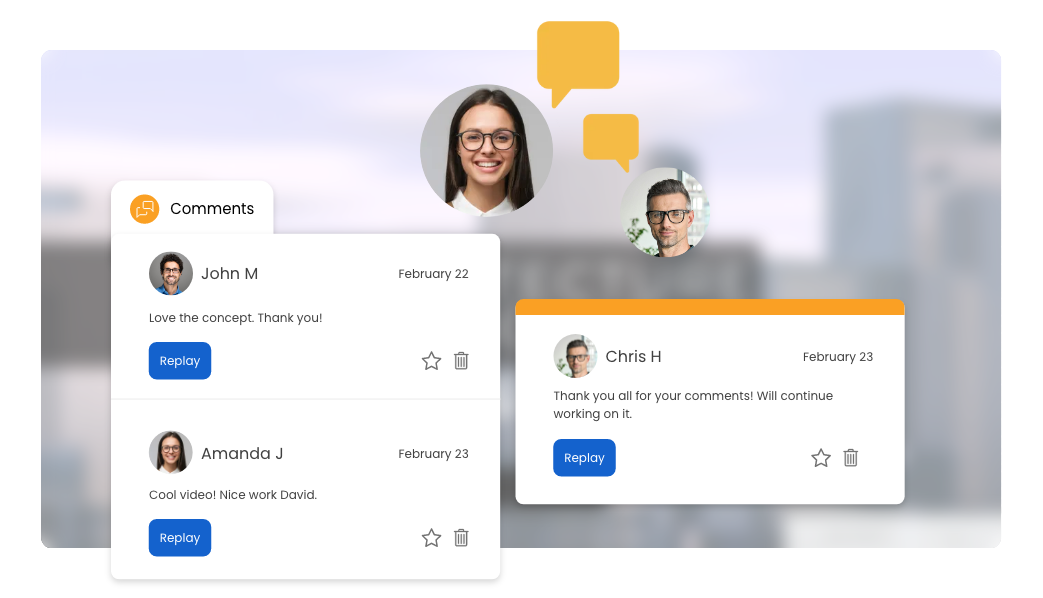
- Share ideas, feedback, and suggestions by commenting on projects within the platform
- Strengthen team connections by adding a personal message to your collaborated projects
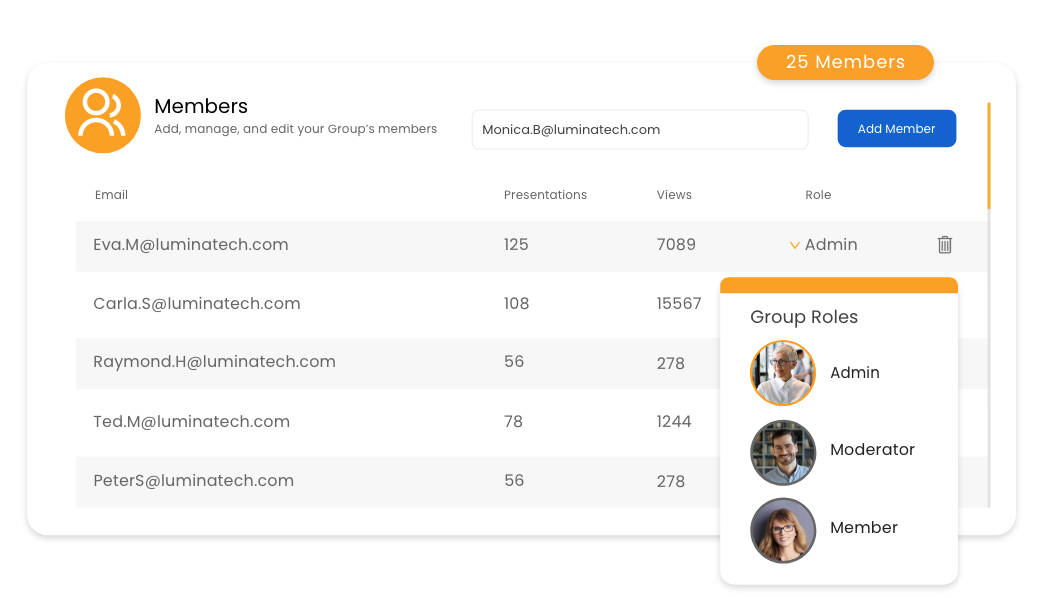
- Manage all shared projects in one place with our online collaboration tools, ensuring a smooth and organized workflow
- Access a shared repository of images, fonts, and logos to maintain brand consistency and a cohesive style across all projects
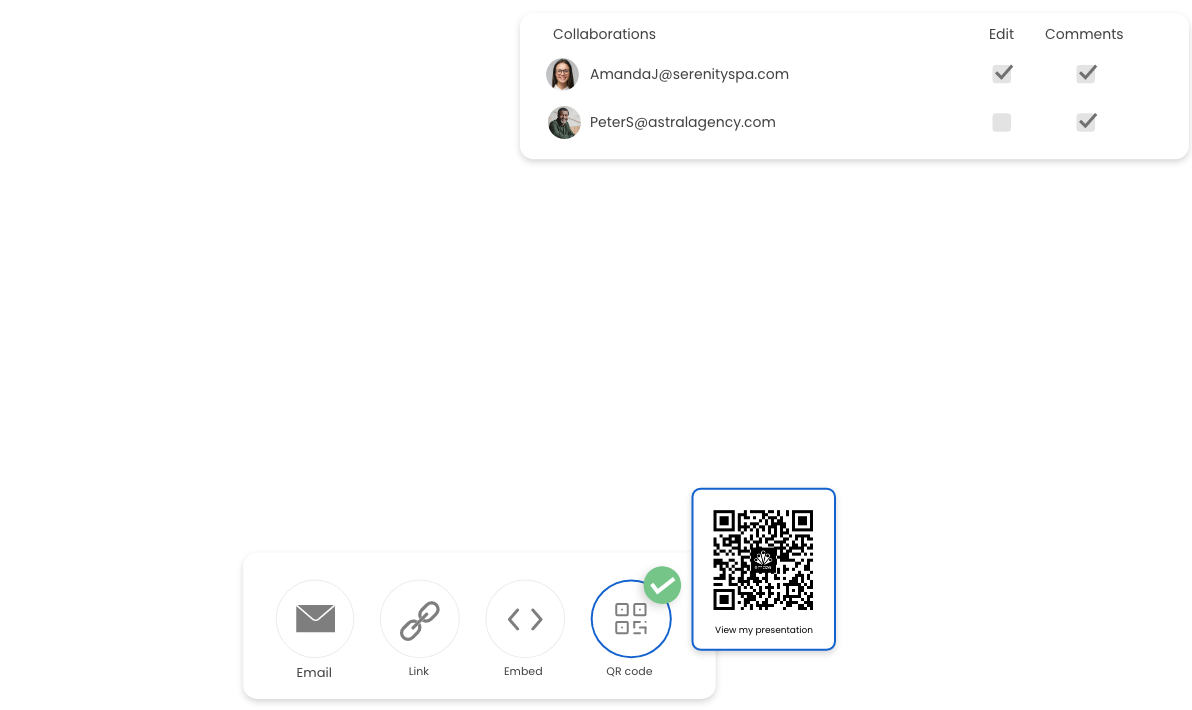
- Control who can access, edit, and comment on projects, safeguarding your content by setting a password
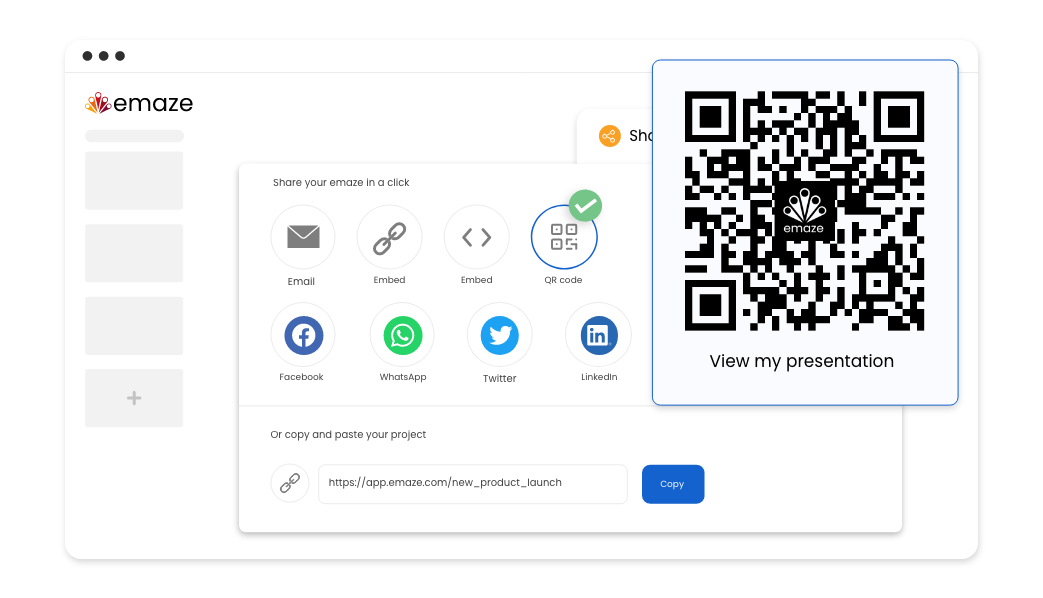
- Share projects such as a group presentation, website, or eCard with team members, classmates, or friends in just a few clicks
- Distribute your work via direct link, email, QR code, or on various social media platforms
- Access insightful analytics that will keep you informed and empower you to make data-driven decisions
- Track usage and progress for your collaboration work, allowing teams, students, and teachers to make improvements as needed
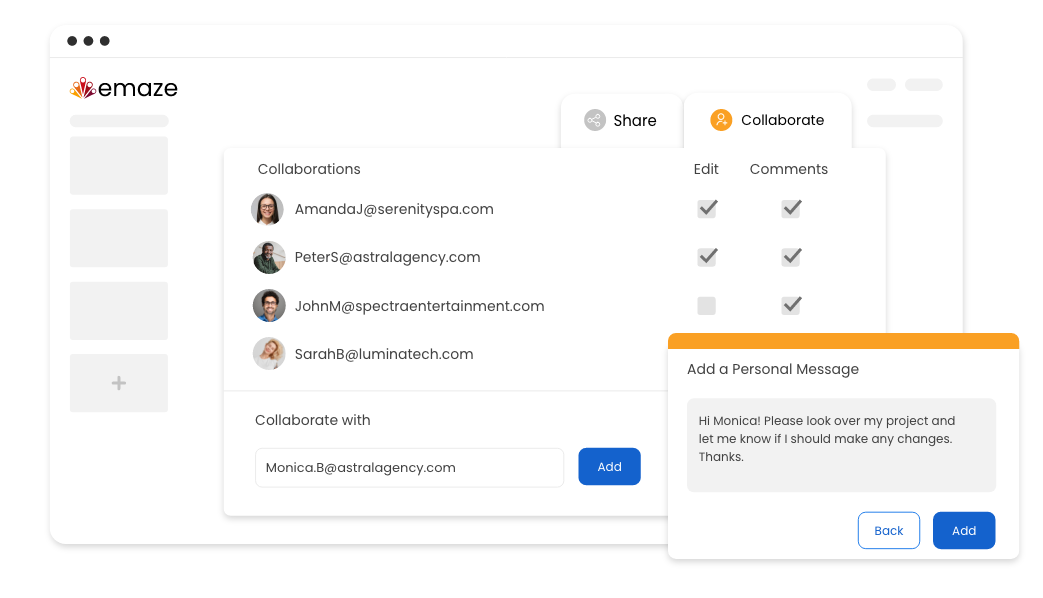
How It Works
Create and conquer on a platform made for team collaboration
-
Step 1
Start by clicking the share icon on any piece of content and selecting the “Collaborate” tab
-
Step 2
Choose a team member, or type in the email of an existing emaze user (if they don’t have an account you can invite them to join), and hit “add” to bring them onboard
-
Step 3
Grant permissions like “View,” “Edit,” “View Comments,” and “Add Comments.” Don’t forget to add a personal message to brighten up their day. Happy creating!
Frequently
asked questions
Answers to the most frequently asked questions.
A group presentation is a collaborative effort where several individuals work together to deliver a unified and informative presentation. By combining their unique skills and perspectives, team members and students can create dynamic presentations that effectively communicate their message to their audience.
With features such as enhanced communication, centralized project management, effortless project sharing, and comprehensive analytics, emaze encourages seamless team collaboration. Emaze’s collaboration tools allow teams to work together on content while minimizing confusion and wasted time.
Collaboration work in a team setting builds innovation and problem-solving by bringing diverse skills, knowledge, and perspectives together. This shared purpose inspires team members to support and learn from each other, ultimately improving overall performance and results.