Make every lesson unforgettable
Teachers and students in 190+ countries use emaze to create lesson presentations, interactive quizzes, group projects, and virtual exhibitions. Minutes to make, zero design skills needed.
Free for teachers and students. No credit card required.
Built for the whole classroom
Teachers
Turn any topic into a lesson your class actually remembers: ready-made templates, embedded video, and quizzes that grade themselves. Parent-night and orientation decks take minutes, not evenings.
Students
Hand in assignments that stand out. Pick a template, drop in your research, and share a link. Works for a science project, a book report, or a life-project presentation.
Schools & institutions
Group dashboards for every class, roles and permissions, and Academic plans for libraries, schools, and districts.
Libraries & institutions >What classrooms create with emaze
- Hundreds of curriculum-friendly templates for any subject
- Embed videos, maps, PDFs, and live web pages into slides
- Reuse and update the same deck year after year
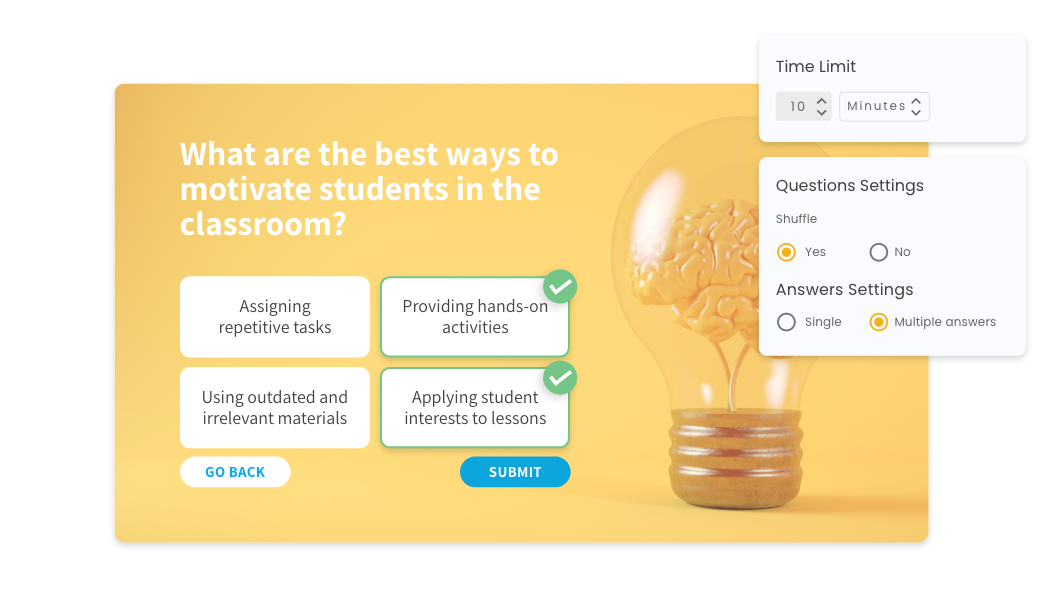
- Multiple choice, polls, and surveys inside your deck
- Instant results per student, no marking pile
- Great for revision, exit tickets, and orientation days
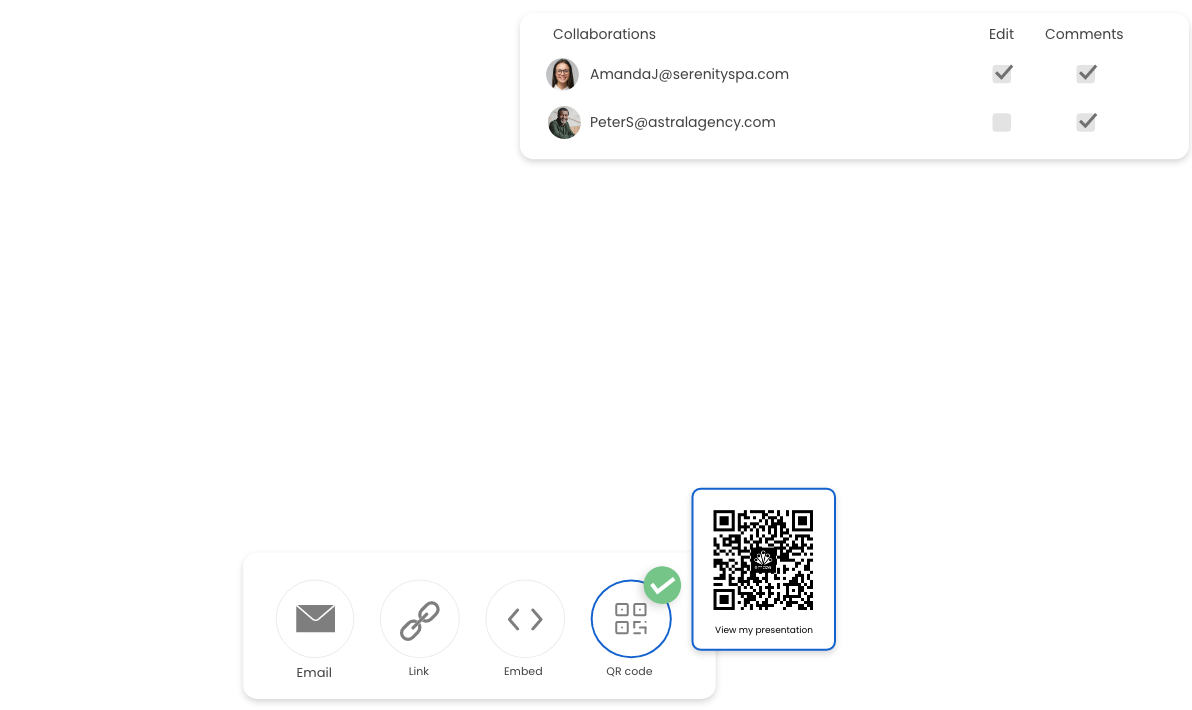
- Students co-edit one project with comments and roles
- Teachers see progress before the deadline
- Share the finished work with a single link
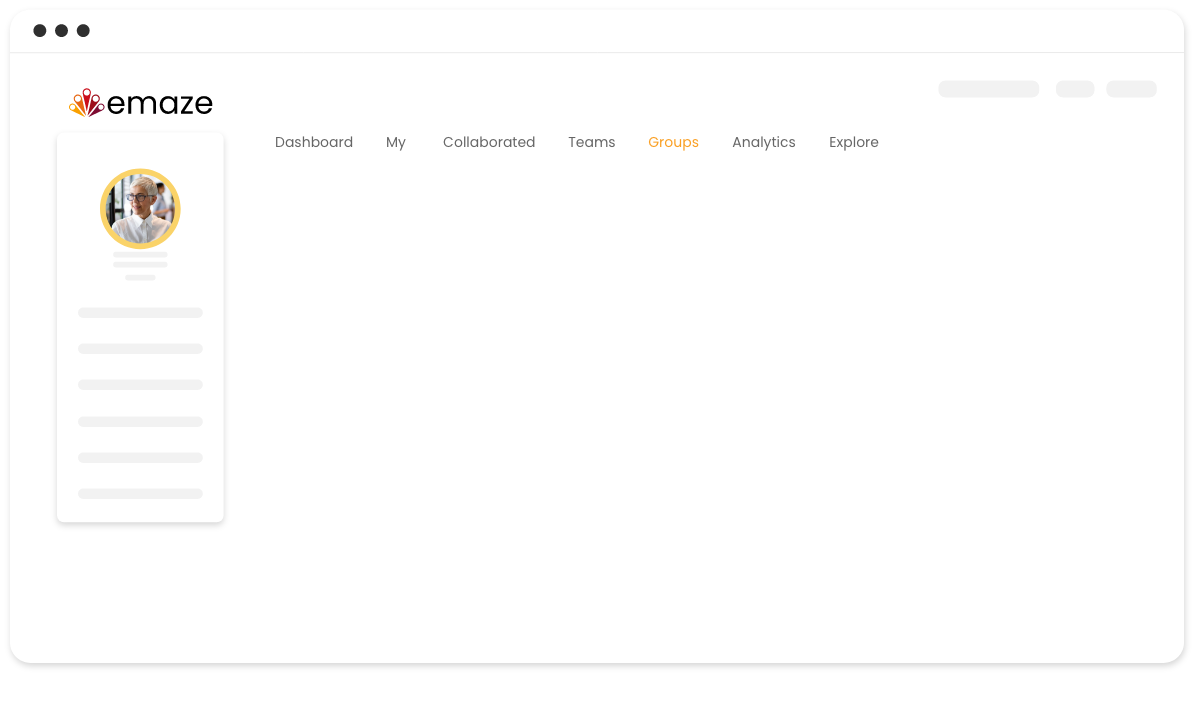
- Collect every assignment on one class dashboard
- Roles and permissions for teachers, students, and parents
- Works across classes, grades, and whole schools
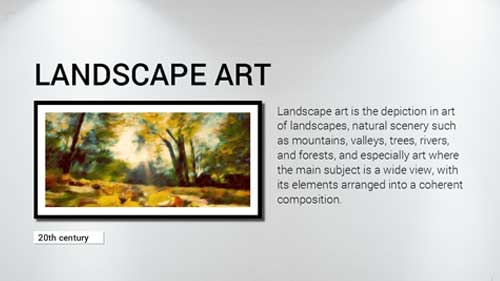
- Turn student work into a walkable 3D exhibition
- Parents visit from any browser, no downloads
- Perfect for art class, science fairs, and open days

Ready for the new school year
Every season has its moment: first-day orientations and parent nights in September, science fairs in spring, graduation slideshows and end-of-year galleries in June. Start each one from a template instead of a blank page.
Classroom pricing from $1 per user
Start free forever. EDU plans from $1/user/month add premium and 3D templates, downloads, and more storage. Academic plans cover schools, districts, and universities.
Ideas from the teachers’ lounge
Top 12 templates for the new school year
The seasonal favorites teachers reach for every September.
Read more >4 ways the best teachers use technology
Practical ideas for bringing tech into any classroom.
Read more >The four main learning styles
What they mean for your students, and how to teach to each.
Read more >Presentation skills for distance learning
Help students present with confidence, in class or remote.
Read more >Frequently
asked questions
Answers for teachers, students, and school administrators.
Yes. The Basic plan is free forever and needs no credit card, so any teacher or student can create presentations, quizzes, and projects right away. EDU plans start at $1 per user per month and unlock premium templates, 3D galleries, and downloads.
Yes. Groups and custom dashboards let you share collections with a class, a grade, or a whole school, with roles and permissions for teachers and students. EDU and Academic plans cover classrooms, schools, and districts.
Yes. Students share a creation with a link, and teachers see it instantly in the class dashboard. Analytics show who viewed a lesson and for how long, which makes follow-up easy.
Yes. The 3D virtual art gallery template turns student work into a walkable exhibition that parents and classmates can visit from any browser, with no downloads and no VR headset.
Yes. The editor works in any language, and classrooms use emaze in Spanish, Portuguese, Turkish, Indonesian, Hebrew, Arabic, Polish, and many more.
Your next lesson deserves more than bullet points
Free for teachers and students. No credit card required.