Survey Smarter, Not Harder
Use our survey template options to create a survey in minutes!

- Get a head start by choosing from our variety of survey templates
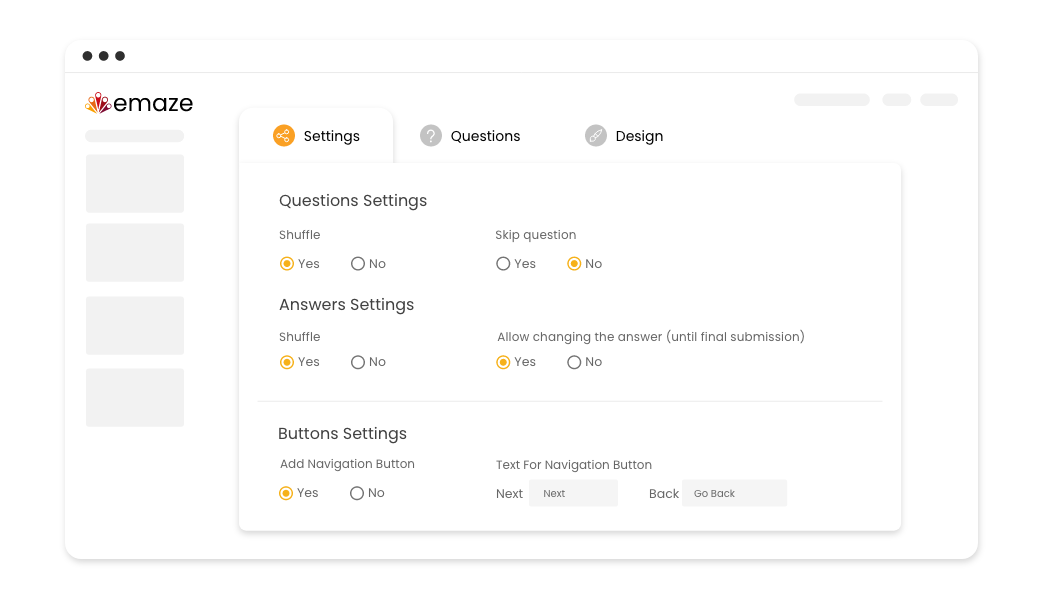
- Change survey settings and questions in one window for maximum convenience
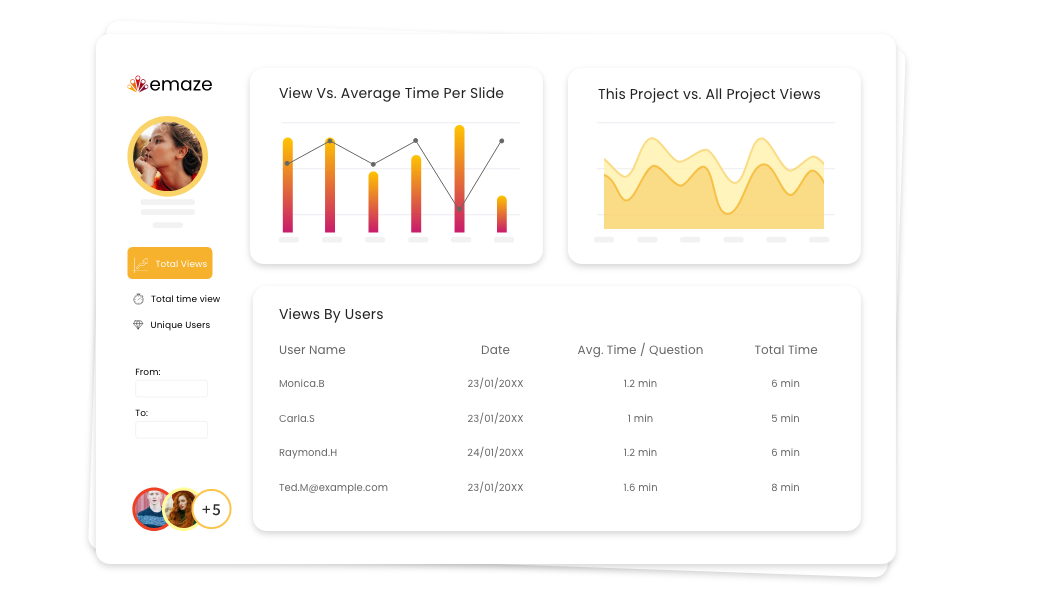
- Use analytics to gain insights into respondent demographics, behaviors, and opinions
- Analyze survey responses to identify trends, patterns, and changes over time
- Drive action with data: Use survey analytics to identify opportunities for improvement
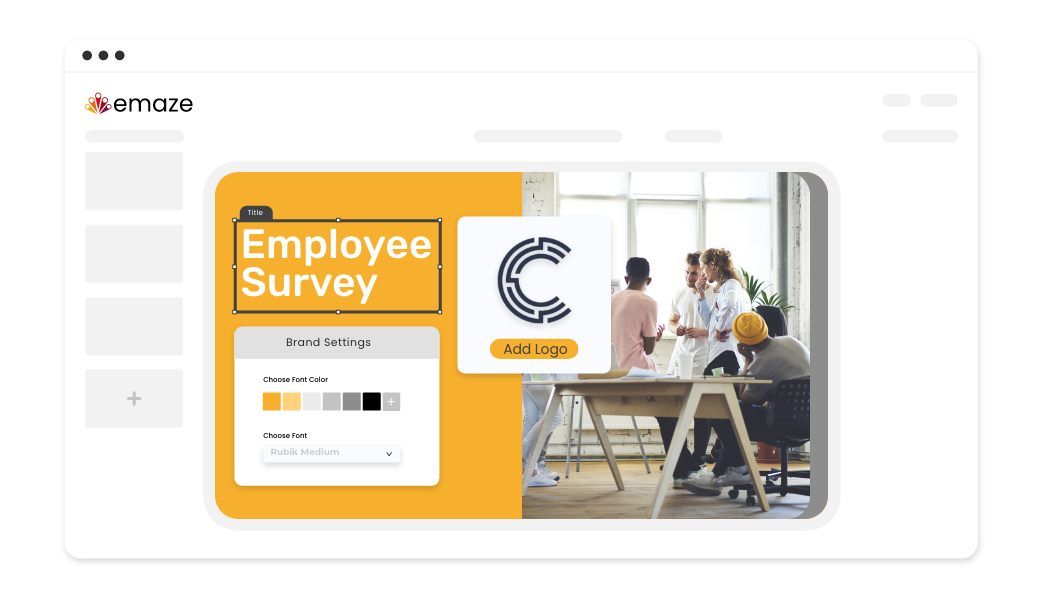
- Take advantage of a convenient shared repository by uploading logos, colors, and fonts to get unified branding across your entire organization
- Maintain a consistent and recognizable identity for external and internal materials, such as an employee survey
Unlock the full potential of our dynamic editor
Customizable
Easily customize any survey template according to your preferences
Privacy
Control who is allowed to participate in your survey, comment, and make changes to your work
Collaborative
Work as a team to brainstorm ideas, offer feedback, and identify potential pitfalls
Shareable
Share your surveys via social media, email, QR codes, tracking links, and more
Immersive Media
Make your surveys more engaging by adding images, videos, and audio
Question Types
Create surveys with a variety of question types, from multiple choice to open-ended
Templates
With our versatile collection of templates, you can build better surveys, faster



How to Create a Survey
Master the art of survey creation: Learn how to craft engaging surveys with emaze
-
Step 1
Once you have decided on your survey’s purpose, explore our template library and pick the one that works best for your needs
-
Step 2
Add your questions and customize the template to fit your desired look, then preview the survey to ensure that it’s good to go live!
-
Step 3
Distribute the survey to your audience and sit back as the responses roll in
Frequently
asked questions
Answers to the most frequently asked questions.
A survey asks people questions to find out what they think about specific topics. They can provide valuable information about people’s thoughts, experiences, and feelings. How questions are phrased can affect the answers received. Whether for an employee survey in business, to understand patient needs in healthcare, or to get student feedback in education, surveys are adaptable. By using surveys, we can collect important information to make more informed decisions.
With the right survey platform, creating a survey is fast and easy. Whether you use one of our templates or not, emaze lets you create custom surveys by designing and modifying your survey’s look and feel in the blink of an eye.
Keeping in mind what you want to get out of your survey, browse through our template options to find the best one for you. Once you’ve found a suitable template, customize it and include the questions you want to ask. Check it over, and once you’re satisfied, you can send it out! After the responses have started pouring in, analyze them to gain valuable insights.
It’s up to you! Feel free to check out some of our templates or create your own from scratch. From an employee survey or market research survey, to teacher evaluation and student satisfaction surveys, the possibilities are endless.